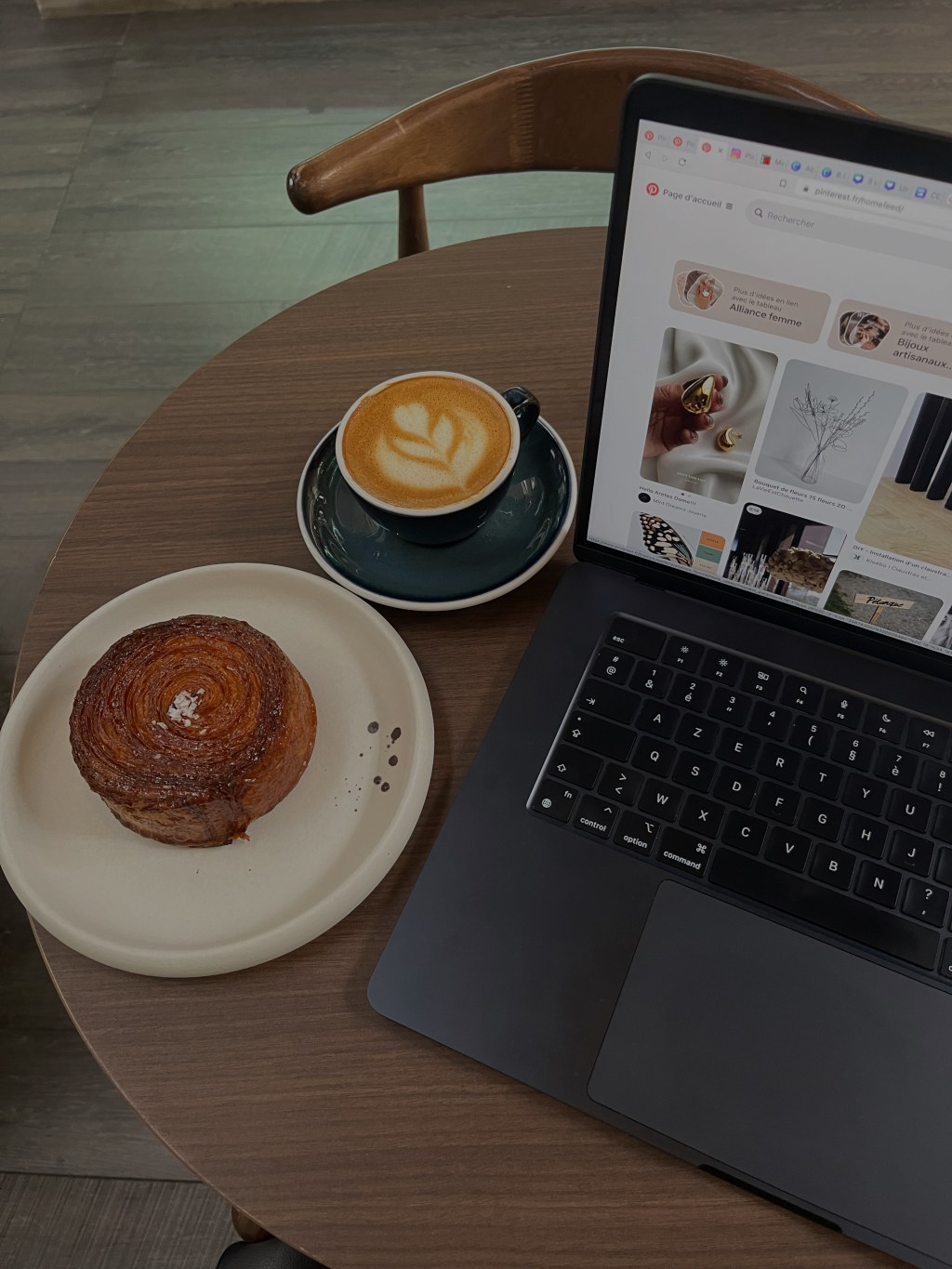
Before I ever made a single dollar from Pinterest, I was doing what most people do when they first try to make money online — I was posting constantly on Instagram and hoping something would finally “click.”
It didn’t.
I was putting in so much effort, but it felt like I was shouting into the void. My posts would get a few likes, maybe a comment or two, but nothing that actually translated into income. And honestly, it started to feel exhausting trying to keep up with something that wasn’t giving anything back.
Then one day, almost out of curiosity, I started looking into Pinterest.
Not as a place to scroll — but as a way to actually get traffic.
And that’s when everything shifted.
Because for the first time, I wasn’t trying to chase attention — I was putting content in front of people who were already looking for it.
For years, Pinterest has quietly been one of the most powerful traffic platforms on the internet.
While creators chase algorithms on Instagram and TikTok, Pinterest continues doing what it has always done best: connecting people with ideas they’re actively searching for.
And that difference matters more than most people realize.
Because when someone opens Instagram, they’re usually there to scroll and be entertained.
When someone opens Pinterest, they’re usually there to find something specific.
Ideas.
Inspiration.
Solutions.
That search-driven behavior is exactly why Pinterest has become such a powerful platform for people building faceless digital marketing businesses and affiliate income streams.
And the best part?
You don’t need thousands of followers or a personal brand to make it work.
You just need the right system.
Let’s walk through the exact beginner-friendly process for using Pinterest to generate traffic and income in 2026.
Step 1: Choose What You’re Promoting
Before you start creating pins, you need to decide what your traffic will lead to.
Pinterest works best when it directs people to a specific destination, usually a blog post or landing page.
That destination typically promotes something like:
- an affiliate product
- a digital course
- your own digital product
- a service or resource
Affiliate marketing is one of the easiest places to start because you don’t have to create your own product.
Instead, you promote something that already exists and earn a commission when someone purchases through your link.
The most important rule here is simple:
Only promote something you genuinely believe in.
Authenticity builds trust, and trust is what ultimately drives conversions.
A Course I Recommend for Beginners
If you’re new to affiliate marketing and want a structured place to start, the course I usually recommend is Create Faceless Wealth (CFW).
It’s designed specifically for people who want to build online income streams without showing their face or becoming a traditional influencer. The course walks through the fundamentals of faceless digital marketing, choosing digital products to promote, and building traffic systems using platforms like Pinterest and social media. As a bonus, it also comes with Resell Rights, meaning you’ll automatically be eligible to receive an 85% commission if you choose to promote the course.
For beginners who feel overwhelmed trying to piece together information from dozens of different sources, it’s a crucial starting point.
(You can learn more about it here → Create Faceless Wealth
Step 2: Create a Pinterest Business Account
Once you know what you want to promote, the next step is setting up your Pinterest account.
Pinterest allows users to create business accounts for free, and this is the version you want if you’re using the platform for marketing.
A business account gives you access to:
- analytics
- performance data
- audience insights
- advertising tools
Even if you never run ads, the analytics alone are extremely helpful because they show which pins are driving impressions and clicks.
Setting up the account only takes a few minutes, but it provides the foundation for everything else you’ll do on the platform.
Step 3: Build Your Pinterest Profile First
One of the most common mistakes beginners make is jumping straight into posting their own content.
Pinterest performs best when your account looks like an active, normal user account rather than a brand-new profile that only posts promotional pins.
Before creating your own pins, spend a few days building your account by:
- creating boards related to your niche
- saving pins from other creators
- following relevant accounts
- occasionally commenting or engaging with pins
This helps Pinterest understand what type of content your account is associated with.
It also helps the platform start showing your future pins to the right audience.
Think of it as warming up your account before launching your own content.
Step 4: Create a Landing Page or Blog Post
Pinterest works best when pins lead somewhere useful.
Instead of sending people directly to an affiliate link, most successful creators send traffic to a landing page or blog post first.
This page acts as the introduction to whatever you’re promoting.
It can explain:
- what the product or course is
- who it’s for
- what problem it solves
- why you recommend it
This approach builds trust and gives readers the context they need before deciding whether they want to explore the offer.
Blogs are particularly effective for this strategy because they also allow you to generate traffic from Google search and other platforms.
Even a simple blog post can act as a powerful bridge between your Pinterest content and your affiliate product.
Step 5: Create Pinterest Pins
Now we get to the fun part: creating pins.
Pinterest pins are visual graphics that include a combination of imagery and text designed to capture attention and encourage clicks.
Most creators design pins using tools like Canva because it allows you to create professional graphics quickly.
But there’s an important tip that many beginners overlook.
Templates alone usually aren’t enough.
Pinterest rewards pins that feel unique, visually interesting, and aligned with the type of content users are already saving.
Before designing your own pins, spend some time browsing your niche on Pinterest.
Look at the pins that catch your eye and ask yourself:
- What colors do they use?
- What style of imagery appears frequently?
- Do they use bold text, minimalist design, or aesthetic photos?
This small bit of research can dramatically improve your results.
Step 6: Create Multiple Pins for One Piece of Content
Instead of making a single pin for your blog post, it’s much more effective to create multiple variations.
Many successful Pinterest creators design between 10 and 15 pins for each piece of content.
Each pin can use slightly different:
- text headlines
- images
- color palettes
- layouts
All of them link back to the same article or landing page.
This approach increases your chances of reaching different search terms and audiences.
It also allows Pinterest’s algorithm to test which visuals perform best.
Sometimes a pin will suddenly gain traction weeks or months after being posted.
And when that happens, it can drive a steady stream of traffic to your site.
Step 7: Let the Search Engine Do Its Job
Once your pins are published, the most important thing you can do is give them time.
Pinterest content often takes longer to gain traction compared to social media posts.
But once a pin starts appearing in search results, it can continue driving traffic for months or even years.
This is what makes Pinterest so powerful.
Instead of constantly chasing trends and algorithms, you’re building evergreen content assets.
Content that keeps working long after you’ve created it.
Why This Strategy Works
Pinterest sits at the intersection of three powerful online business tools:
Search traffic.
Visual content.
Affiliate marketing.
When you combine these elements correctly, you create a system where your content continues attracting new visitors over time.
Those visitors explore your blog or landing page.
And some of them eventually become customers.
It’s not about instant results.
It’s about building digital assets that quietly accumulate traffic in the background.
Final Thoughts
Pinterest is one of the most underrated platforms for making money online.
It doesn’t demand constant attention.
It doesn’t require a personal brand.
And it doesn’t punish small creators the way many social platforms do.
Instead, it rewards creators who produce helpful, searchable content that aligns with what people are already looking for.
For beginners interested in faceless digital marketing, that combination creates an opportunity that’s hard to ignore.
And once you understand how to work with the platform instead of fighting its algorithm, the possibilities become much easier to see.
Some of the links in this post may be affiliate links, which means I may earn a commission if you choose to make a purchase — at no additional cost to you. I only recommend products and resources that I genuinely believe in and would suggest to a friend.






 Money for Baddies
Leave a comment